ChatGPT may be the first AI tool that comes to mind when you need help with writing, research, coding, or everyday tasks. But that doesn’t mean it’s the right choice for everyone.
Today, you have several strong alternatives to choose from. Some are better for writing, some work especially well with Google or Microsoft products, while others focus on research, coding, or real-time information.
If you’re just getting started with AI tools, choosing between them can feel confusing.
The good news is that you don’t need to try every option.
The better approach is to start with the tool that matches the work you do most often.
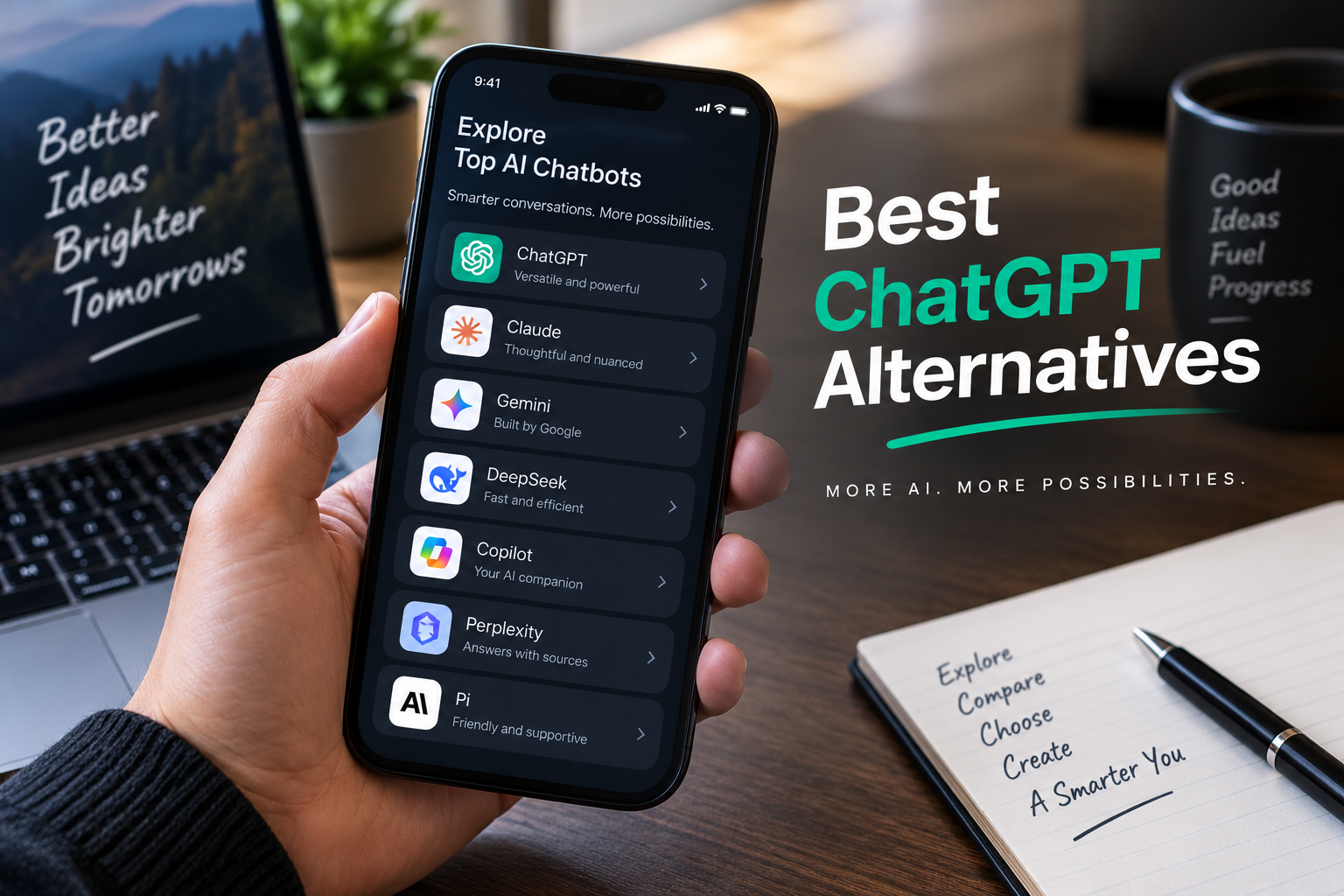
In this guide, I’ll compare some of the Best ChatGPT alternatives in 2026 and explain what each one is good at, where it may fall short, and who should consider using it.
You may also find that you don’t need to replace ChatGPT completely. Many people use one main tool and add another when they need a specific feature.
Disclosure: Some links in this article may be affiliate links. If you sign up through one of these links, I may earn a small commission at no additional cost to you. I recommend tools based on their usefulness and suitability for different users.
Quick Comparison: ChatGPT Alternatives at a Glance
| Tool | Best For | Individual Price | Free Option |
| Claude | Writing, reasoning, and long documents | $20/month | Yes |
| Gemini | Google Workspace users | About $20/month | Yes |
| Perplexity | Research with sources | $20/month | Yes, limited |
| Microsoft Copilot | Word, Excel, and Outlook users | About $20/month | Limited |
| DeepSeek | Free technical and reasoning tasks | Free | Yes |
| Grok | Real-time social and trend information | About $30/month | Yes, limited |
| GitHub Copilot | Coding inside an editor | From about $10/month | Limited |
The best choice depends on what you want to accomplish.
If you mainly write articles or work with long documents, Claude may be worth trying. If you use Gmail and Google Docs every day, Gemini could be a better fit. For research, Perplexity is particularly useful because it provides sources with its answers.
Let’s look at each option more closely.
1. Claude — Best Overall ChatGPT Alternative
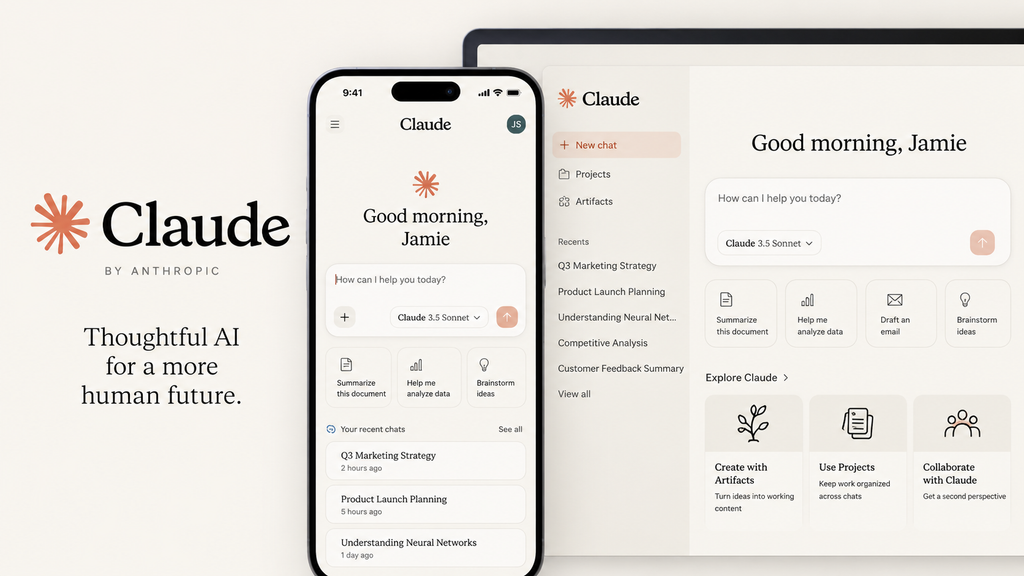
If you’re looking for an alternative that can handle many of the same everyday tasks as ChatGPT, Claude is one of the first tools I would consider.
Claude is particularly useful for writing, editing, analyzing information, working with long documents, planning, and coding.
One of its biggest strengths is writing quality. If you often find yourself spending too much time changing AI-generated text so it sounds natural, Claude may give you a better starting point.
You can use it to:
- Write and edit articles
- Summarize long documents
- Brainstorm ideas
- Organize information
- Create business content
- Review text
- Help with coding
- Plan projects
It is also useful when you’re working with a large amount of information and want to keep the conversation focused on the material you’re providing.
Where Claude stands out
- Strong writing and editing
- Good handling of long documents
- Useful for analysis and planning
- Helpful for coding
- Clean and straightforward interface
Where Claude may not be the best choice
ChatGPT has a broader ecosystem and a wider range of connected features. If you rely heavily on those features, switching completely may not make sense.
Pricing
Claude offers a free option. The Pro plan is around $20 per month, with higher-usage plans available for people who need more access.
Claude may be right for you if:
You want a general-purpose alternative to ChatGPT, especially for writing, long documents, and detailed work.
2. Google Gemini — Best for Google Workspace Users
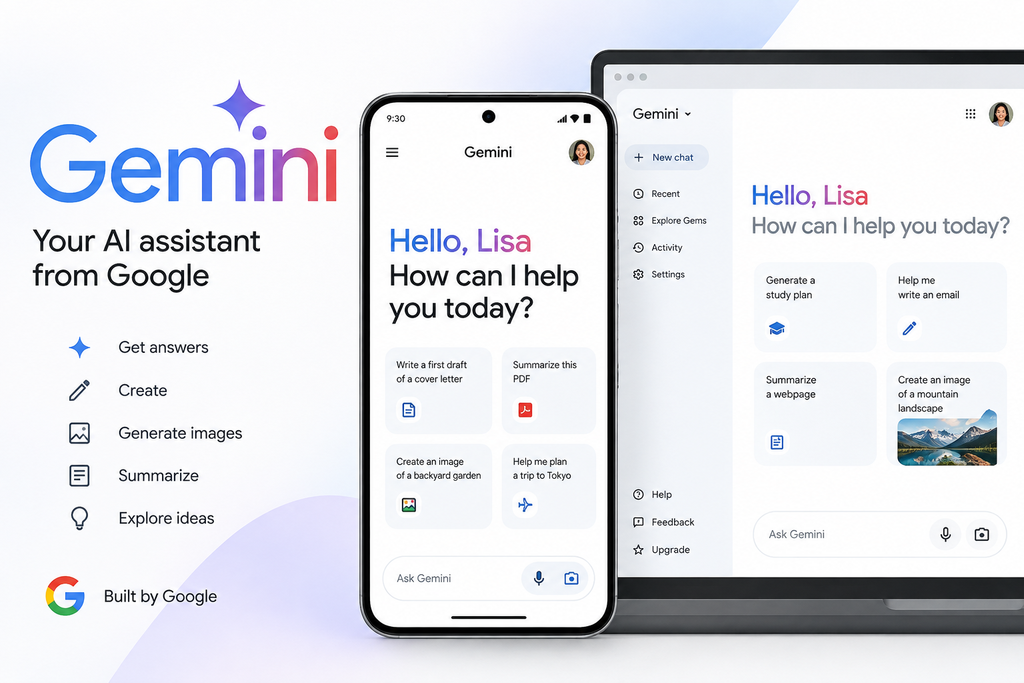
If most of your work happens inside Gmail, Google Docs, Google Sheets, and Google Drive, Gemini deserves a close look.
The biggest advantage isn’t simply the chatbot itself. It’s the way Gemini fits into Google’s existing services.
Instead of constantly copying information from one application into another, you can work with Google’s tools more naturally.
For example, if you already use Google Drive to store your documents, having an assistant that works within that environment can make everyday tasks easier.
Gemini can be useful for:
- Working with documents
- Summarizing information
- Creating written content
- Helping with spreadsheets
- Brainstorming
- Working with images
- Everyday questions and tasks
Where Gemini stands out
- Strong Google Workspace integration
- Works with text and images
- Convenient for Google users
- Large amount of information can be handled in a conversation
Where Gemini may not be the best choice
If your main goal is producing polished long-form writing, you may prefer Claude.
Pricing
Google AI Pro is around $20 per month and may include additional Google storage and other features.
Gemini may be right for you if:
Your work already revolves around Google’s services and you want an assistant that fits naturally into that environment.
3. Perplexity — Best for Research and Sources
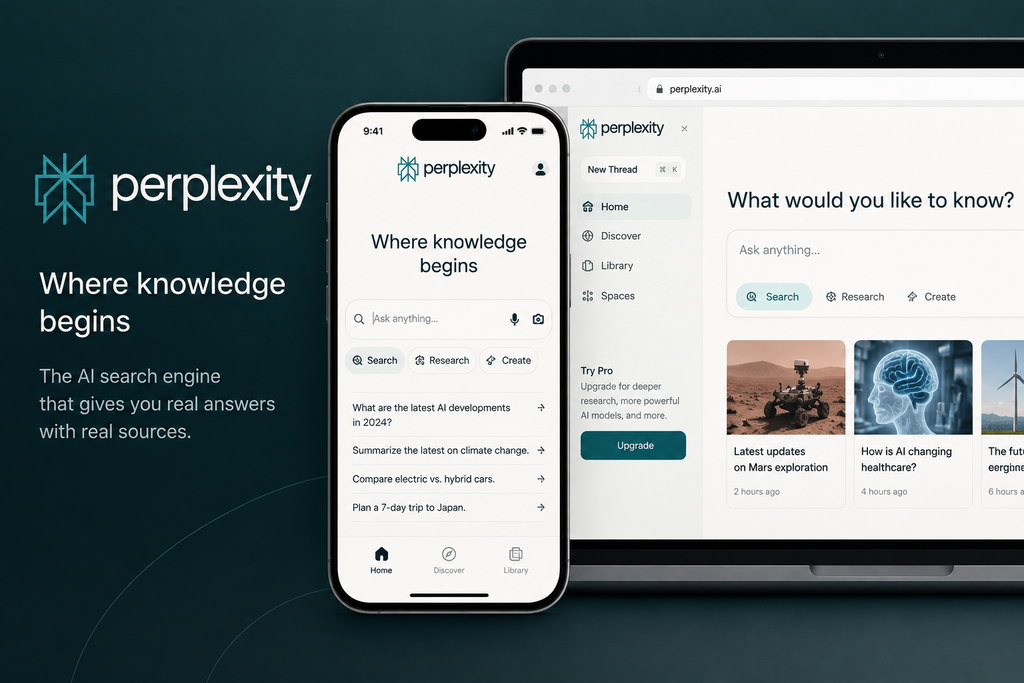
If you often search for information online, Perplexity is worth considering.
Its main strength is research.
Instead of giving you an answer without showing where the information came from, Perplexity provides sources that you can open and check.
This makes it useful when you’re researching a topic and want to verify information yourself.
You could use Perplexity for:
- Market research
- Competitor research
- Fact-checking
- Product research
- Finding recent information
- Researching business topics
- Comparing different sources
For example, if you’re writing an article and need to confirm a statistic, you can use Perplexity to find relevant sources and then check those sources yourself.
Where Perplexity stands out
- Research-focused experience
- Sources are displayed with answers
- Useful for current information
- Good for comparing information from different websites
Where it may not be the best choice
Perplexity is primarily a research tool. If you want a tool mainly for creative writing, long-form content, or general daily conversations, Claude or ChatGPT may be a better fit.
Pricing
Perplexity offers a free option with limitations. The Pro plan costs around $20 per month, with an annual payment option also available.
Perplexity may be right for you if:
You regularly research topics and want to see sources instead of relying on an answer without verification.
4. Microsoft Copilot — Best for Microsoft 365 Users
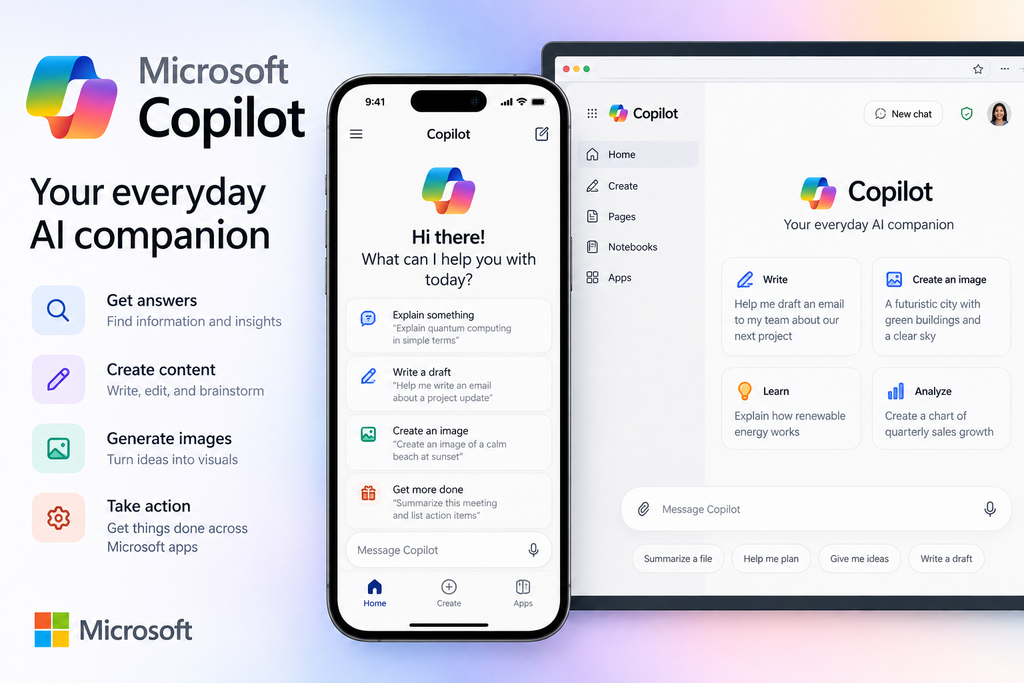
If you spend most of your working day in Word, Excel, PowerPoint, and Outlook, Microsoft Copilot has a major advantage: it works within the Microsoft environment.
This can be especially useful if your documents, spreadsheets, emails, and presentations are already stored in Microsoft 365.
Instead of moving information between different applications, you can work with it where you already spend your time.
Copilot can help you with tasks such as:
- Working with Word documents
- Summarizing emails
- Analyzing spreadsheets
- Creating presentations
- Organizing information
- Drafting business content
- Working with Microsoft 365 files
Where Copilot stands out
- Strong Microsoft 365 integration
- Useful for Word and Excel users
- Convenient for Outlook users
- Works directly within familiar Microsoft products
Where it may not be the best choice
If you don’t use Microsoft products regularly, many of its advantages become less important.
Pricing
Pricing varies depending on the Microsoft 365 plan and Copilot features available. Some plans are around $20 per month.
Copilot may be right for you if:
Your daily work happens in Microsoft 365 and you want AI assistance directly inside the tools you already use.
5. DeepSeek — Best Free Option
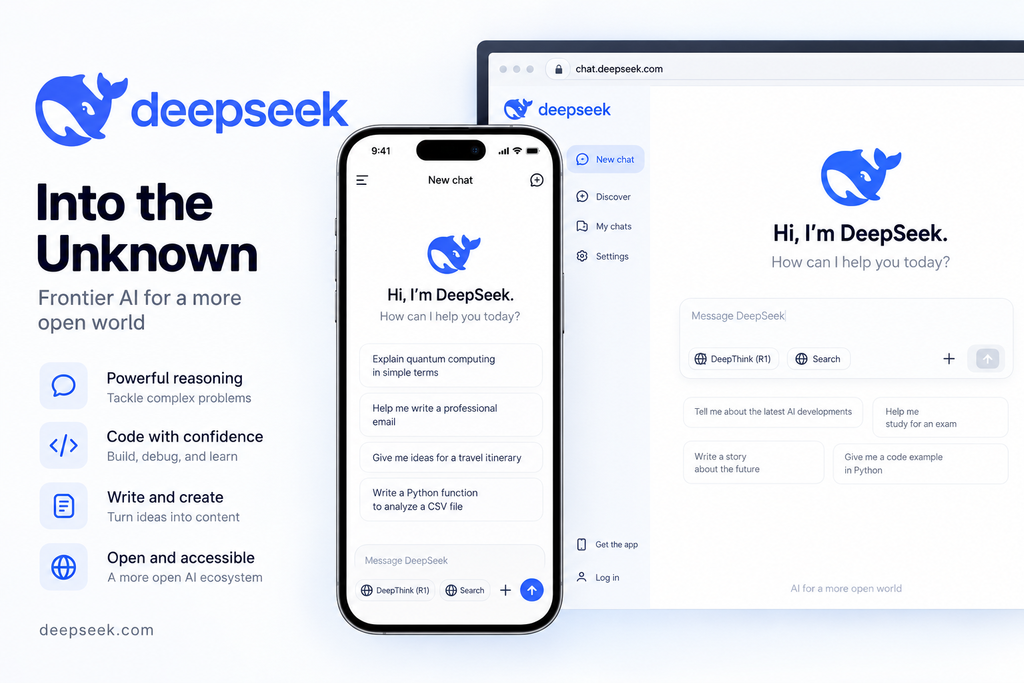
If price is your biggest concern, DeepSeek is an option worth exploring.
DeepSeek has become popular with people looking for a free tool for technical questions, problem-solving, and coding.
For someone just starting out, the biggest attraction is simple: you can try it without paying for a monthly subscription.
You can use it for:
- Technical questions
- Coding help
- Problem-solving
- Research assistance
- General questions
- Reasoning-heavy tasks
Where DeepSeek stands out
- Free to use
- Useful for technical tasks
- Good option for people on a limited budget
- Easy way to experiment without paying for a subscription
Where it may not be the best choice
It may not be your first choice if your main priority is polished long-form writing or a large ecosystem of connected tools.
Pricing
Free.
DeepSeek may be right for you if:
You want to experiment with an alternative without adding another monthly subscription to your budget.
6. Grok — Best for Real-Time Social and Trend Information
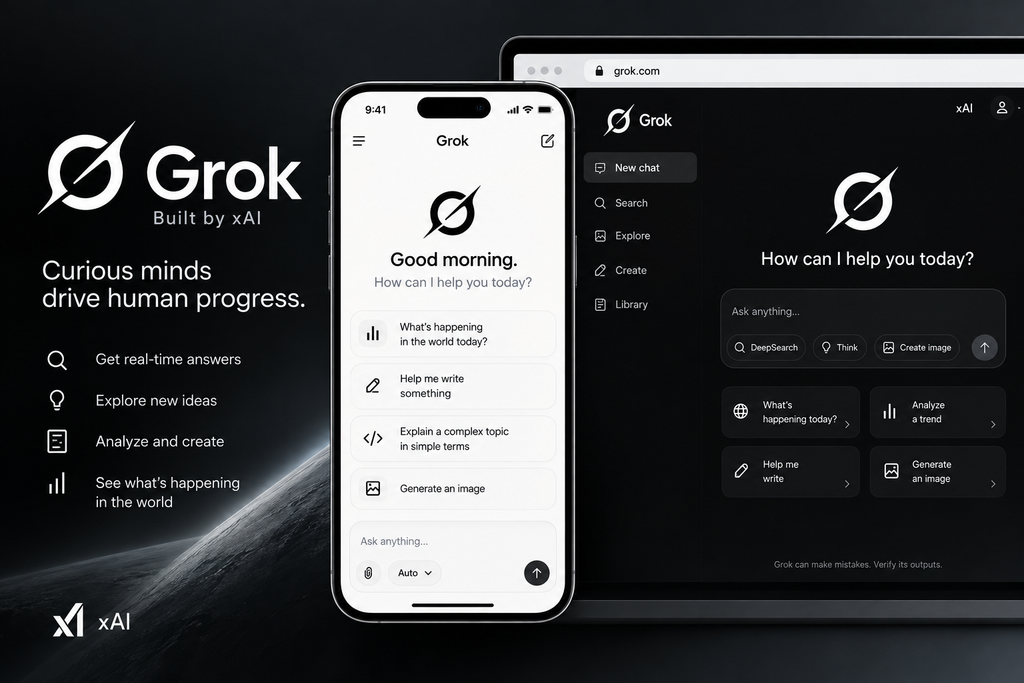
If you follow what’s happening on social media, Grok offers a different experience from many other ChatGPT alternatives.
Its connection to X gives it an advantage when you want to understand current discussions, trending topics, and conversations happening on the platform.
This can be useful if your work involves social media or topics that change quickly.
You could use Grok for:
- Tracking trends
- Understanding current discussions
- Social media research
- Finding popular topics
- Monitoring conversations
- Generating ideas around current events
Where Grok stands out
- Strong connection to X
- Useful for current social discussions
- Helpful for trend research
- Interesting option for social media users
Where it may not be the best choice
It can be more expensive than some alternatives and may not be your first choice for formal business writing or long documents.
Pricing
SuperGrok is around $30 per month.
Grok may be right for you if:
Social media trends and current online conversations are an important part of your work.
7. GitHub Copilot — Best for Developers
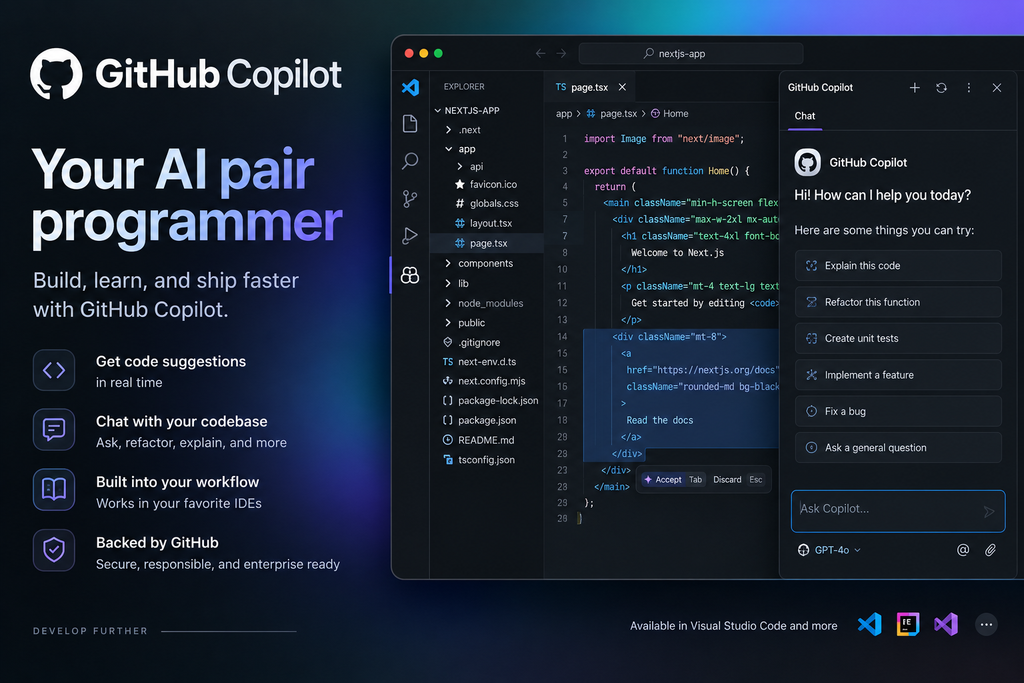
If you’re a developer, you may not need another general chatbot at all.
GitHub Copilot is designed specifically to help with coding inside your development environment.
Instead of opening a separate chatbot every time you need help, Copilot can provide suggestions while you’re writing code.
It can help you:
- Write code
- Complete code
- Explain code
- Find potential problems
- Create functions
- Work through coding problems
- Improve existing code
Its biggest advantage is convenience. You can get assistance without constantly switching between your code editor and another website.
Where GitHub Copilot stands out
- Works directly inside coding environments
- Designed specifically for developers
- Helps while you’re writing code
- Useful for everyday programming tasks
Where it may not be the best choice
It’s not designed to replace a general-purpose chatbot for writing, research, business planning, or everyday questions.
Pricing
Individual plans start at around $10 per month.
GitHub Copilot may be right for you if:
You’re a developer and want coding assistance directly inside your editor.
How to Choose the Best ChatGPT Alternative
You don’t need to choose a tool because it’s popular.
Choose based on the work you need to do.
Here’s the simple breakdown:
- Want better writing and long-document support? Try Claude.
- Use Gmail, Docs, Sheets, and Drive every day? Try Gemini.
- Need research with visible sources? Try Perplexity.
- Spend most of your day in Word, Excel, or Outlook? Try Microsoft Copilot.
- Want a free option for technical tasks? Try DeepSeek.
- Need social media and trend information? Try Grok.
- Write code inside an editor? Try GitHub Copilot.
This approach can save you both time and money.
Instead of subscribing to seven different services, start with the one that solves your biggest problem.
Do You Need to Replace ChatGPT Completely?
Not necessarily.
You may discover that ChatGPT is still the best tool for some of your work while another tool performs better for a specific task.
For example, you could use:
ChatGPT + Perplexity for everyday work and research.
Or:
Claude + GitHub Copilot if writing and coding are your main activities.
Or:
Gemini + ChatGPT if you work heavily with Google services but still want a general-purpose assistant.
There is no rule saying you have to use only one.
The important thing is to avoid paying for tools you rarely use.
Start with one. Test it on real tasks. If it solves a problem that your current tool doesn’t handle well, then consider adding it to your workflow.
What Should You Try First?
If you’re completely new to these tools, don’t make the decision more complicated than it needs to be.
Start by asking yourself one question:
What do I need the most help with?
If your answer is writing, try Claude.
If it’s research, try Perplexity.
If it’s Google Workspace, try Gemini.
If it’s Microsoft Office, try Copilot.
If it’s coding, try GitHub Copilot.
If your main concern is cost, start with DeepSeek.
If your work depends on social trends, look at Grok.
Most of these services provide a way to try them before committing to a long-term subscription, so you can test whether the tool actually fits your needs.
Frequently Asked Questions
Is there a completely free alternative to ChatGPT?
DeepSeek is one of the strongest options to consider if you’re looking for a free alternative, particularly for technical and reasoning-focused tasks.
Claude, Gemini, and Perplexity also offer free options, although usage and features may be limited.
Which ChatGPT alternative is the closest replacement?
Claude is one of the closest alternatives if you’re looking for a general purpose tool that can handle writing, analysis, long documents, and coding.
However, the best choice depends on what you actually use for ChatGPT.
Which ChatGPT alternative is best for writing?
Claude is a strong choice for writing and editing, particularly when you’re working with longer content.
If your priority is research rather than writing, Perplexity may be more useful.
Which ChatGPT alternative is best for research?
Perplexity is particularly useful for research because it provides sources that you can check.
This makes it a good option when you want to verify information before using it.
Which ChatGPT alternative is best for Google users?
Gemini is a natural option if you already spend most of your time in Gmail, Google Docs, Google Sheets, and Google Drive.
Its integration with Google’s services is one of its biggest advantages.
Which ChatGPT alternative is best for Microsoft users?
Microsoft Copilot is a strong choice if your work depends heavily on Word, Excel, PowerPoint, and Outlook.
The convenience of working within Microsoft 365 can make it more useful than a separate chatbot.
Do I need more than one AI tool?
No.
You can start with one tool and add another only when you have a specific reason to do so.
For many people, one general-purpose tool plus one specialist tool is enough.
Conclusion
The best ChatGPT alternative isn’t necessarily the tool with the most features.
It’s the one that fits your work.
If you are looking for a general purpose replacement, start with Claude. If your work is built around Google services, Gemini may make more sense. For research, Perplexity is worth trying, while Microsoft Copilot is a natural choice for Microsoft 365 users.
Developers should consider GitHub Copilot, people interested in social trends may prefer Grok, and DeepSeek is worth testing if keeping costs low is important.
You don’t have to make the perfect choice on your first attempt.
Pick one tool that matches your biggest need, try it with real work, and see whether it actually makes your day easier.
That is a much better way to choose an AI tool than simply following the hype.
Ready to test one? Start with a free option where available, use it for a real task, and decide whether it deserves a permanent place in your workflow.